
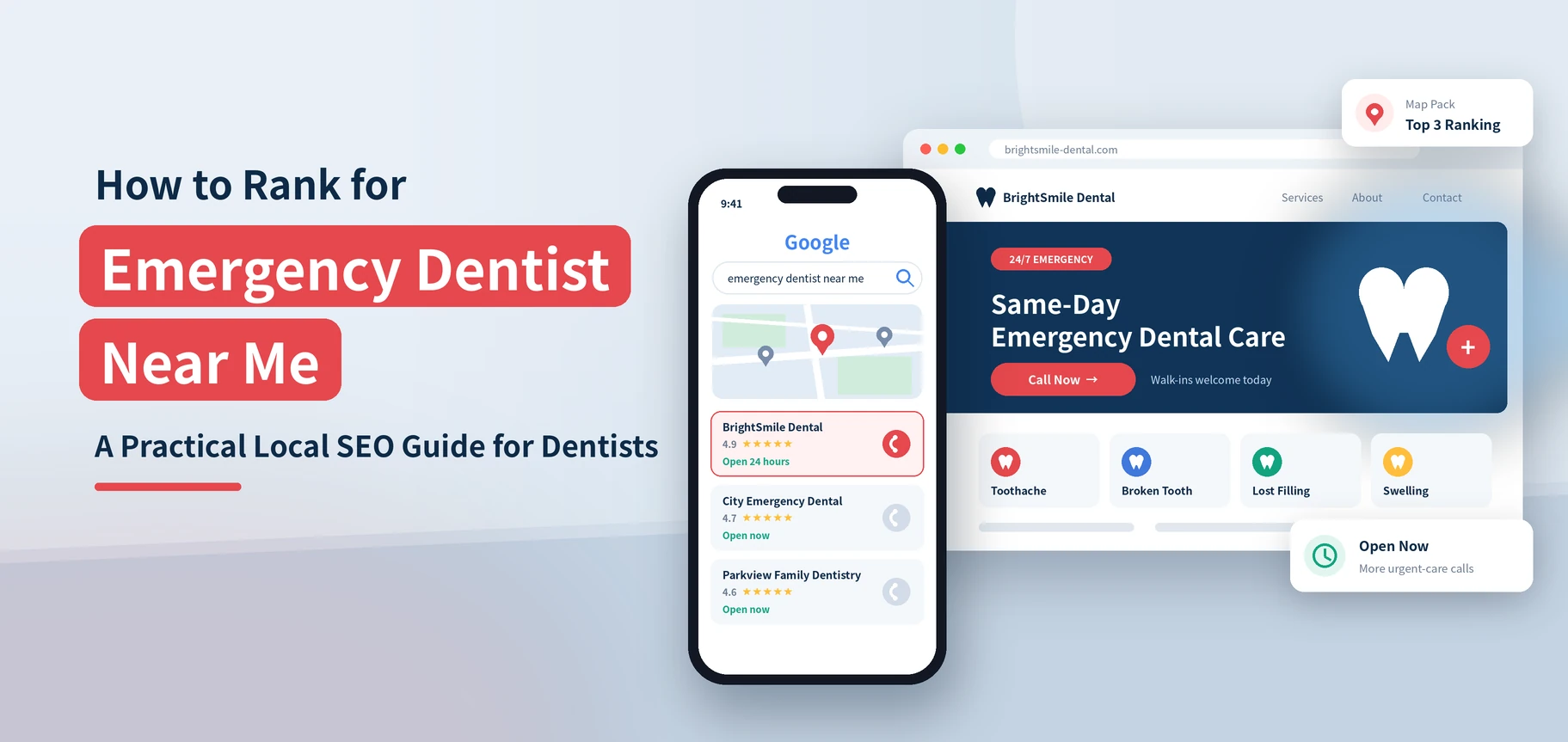
Short answer: To rank for “emergency dentist near me,” do three things. Keep your Google Business Profile accurate, with real hours and the right categories. Build a dedicated emergency page with a tap-to-call button. Make sure a real person answers the phone. Google weighs relevance, distance, and prominence for these searches. The practice that looks open, close, and trusted usually wins the call.
A person with a cracked tooth or a painful abscess does not compare ten websites. They tap the first few results that look open and call. This guide shows you how to earn one of those spots. It builds on our emergency dentist SEO service for practices that want a hands-on plan.
In This Article
- What Do Emergency Dental Patients Actually Search For?
- Set Up Your Google Business Profile for Urgent Searches
- Build an Emergency Dentist Page That Turns Pain Into Calls
- Make Sure a Human Answers the Phone
- Strengthen the Local Signals That Drive Emergency Search Results
- Track Whether Emergency SEO Is Working
Key Takeaways
- Emergency searches are urgent and local. Your map results and phone number matter more than a long blog post.
- Accurate hours, categories, and services in your Google Business Profile are the base of everything else.
- Your emergency page should show your phone number, address, and treatments on the first screen.
- Rankings do not help if calls go to voicemail. Fix your after-hours process first.
- Track calls by source and by result, not just by rank or site visits.
See How Visible You Are Right Now
We check how your practice shows up for urgent searches in your city. Then we show you the quickest fixes.
What Do Emergency Dental Patients Actually Search For?
Emergency searches fall into four clear groups. Pick the group your practice can serve. That tells you which pages and profile details to build first.
| Search type | Example | What the patient needs |
|---|---|---|
| Urgency plus location | emergency dentist near me, emergency dentist Austin | A nearby practice that will see them today |
| Availability | dentist open now, weekend dentist, same day dentist | Proof the doors are open, in your hours and on your page |
| Symptom based | knocked out tooth, dental abscess, broken tooth | Proof that you treat the problem, plus a fast way to call |
| Cost and access | emergency dentist no insurance, walk in dentist | Clear steps to get seen and clear payment details |
Most of these searches come from phones. Many end on a map result, not a website. That is why your profile and phone number carry so much weight.
Decide What You Can Honestly Offer
Write for patients in pain, but never promise what you cannot deliver. Do you hold same-day slots but have no nights or weekends? Say exactly that. Google expects your profile to show real business details. Patients who arrive at a locked door leave bad reviews.
- Same-day appointments in office hours
- Emergency slots held open each day
- Late or weekend hours, only if you truly have them
- A referral partner for after-hours injuries, if you do not
Tip: Write your emergency policy in one paragraph before you touch your website. Your profile, your page, and your front desk script should all say the same thing.
Set Up Your Google Business Profile for Urgent Searches
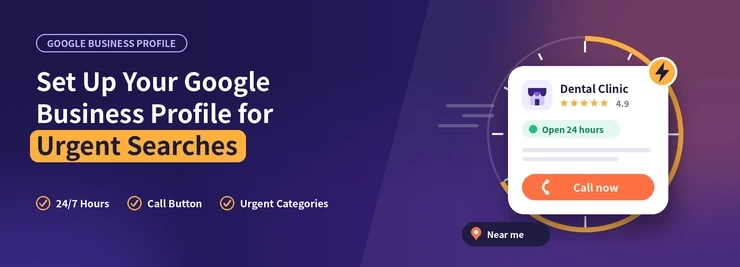
Google says local results depend mainly on relevance, distance, and prominence. You cannot change how far away a patient is. You do control relevance, and you can build prominence over time. Our full Google Business Profile checklist for dentists covers every field. These are the ones that matter most in an emergency.
Hours, Categories, and Services
- Set your primary category to Dentist, or Emergency Dental Service if it fits how you work.
- Enter your exact hours, including any late or weekend hours.
- Add special hours for holidays so your profile does not show “open” when you are closed.
- Add services like emergency exam, tooth extraction, and broken tooth repair. List only what you actually do.
- Use the phone number your front desk answers. Do not use a number that rings out.
Do not add words like “24 hour” or “emergency” to your business name. The Business Profile guidelines say your name must match your real name. Keyword stuffing can get your profile suspended.
Photos, Posts, and Questions
Patients in distress look for signs that your practice is real and calm. Add clear photos of your entrance, where to park, and your reception area. They show patients where to go. Use the Q&A section to answer the questions you hear most. Do you take walk-ins? How do patients reach you after hours?
Tip: Check your profile on your own phone at night. If it says “closed” and gives no after-hours help, add a line to your description. Tell urgent patients how to reach you.
Is your profile missing from the map? Start with our guide on why a dental practice may not show on Google Maps. Then see our Google Business Profile service for regular management.
Build an Emergency Dentist Page That Turns Pain Into Calls
A dedicated emergency dentist page gives Google a clear match for urgent searches. It gives the patient a fast path to your front desk. It does not need to be long. It needs to be clear.
What Belongs Above the Fold
- A headline that names the service and city, like “Emergency Dentist in Springfield.”
- A tap-to-call button with your phone number.
- Your address, a map link, and today’s hours.
- One sentence on what you treat and how fast you can usually see patients.
After that first screen, add short sections for common problems. Write a few sentences on each. Say what to do before the visit and when to go to a hospital instead.
Cover the Common Emergencies
- Toothache and suspected infection
- Chipped, cracked, or broken teeth
- Knocked-out tooth, and what to do in the first minutes
- Lost crown or filling
- Swollen face or gums, gums that bleed, or pain after a dental procedure
Be careful with medical advice. Keep your guidance general. Tell patients to go to a hospital for a badly swollen face, trouble with breath, or a face injury. Have a dentist review every word.
Tip: Add a short FAQ to the page with real questions. Do you accept new patients in pain? What should they bring? It helps patients and gives search engines clearer context.
Speed matters here. Patients in pain will not wait for a slow page. A clean, fast mobile layout is part of our dental website development work. The page should also sit inside a wider local dental SEO plan.
Turn Urgent Searches Into Booked Visits
Share your website. We will point out what slows down your emergency calls.
Make Sure a Human Answers the Phone
Many practices skip this step. You can rank on the map and still lose the patient if no one picks up. Voicemail is a poor fit for someone who cannot eat or sleep.
Test Your Own Response
Call your main number at lunch, at 6 pm, and on a weekend. Note how long it takes to reach a person. Note what that person says. Repeat this test every quarter.
Practical Ways to Cover the Gaps
- Send after-hours calls to an answering service that can triage and take a message.
- Record a voicemail message that explains your on-call process, not just your office hours.
- Train your front desk on a short emergency script with the key questions.
- Set a rule for who calls urgent patients back, and how fast.
- Offer a text option if your system supports it. Follow privacy rules.
Protect patient privacy in every message and reply. Do not confirm in public that someone is a patient. Ask your compliance contact whether you may record calls and what your text policy should say.
Tip: Give new front desk staff a one-page emergency checklist. Then a patient gets the same answer on a Monday and on a Saturday.
| Situation | Weak response | Strong response |
|---|---|---|
| Call at lunch | Rings out to voicemail | Staffed line or live answering service |
| Call after hours | Hours listed, no next step | Clear on-call or referral steps |
| Patient in pain, no slot today | “We are fully booked.” | Offer the next open slot and a triage call back |
Strengthen the Local Signals That Drive Emergency Search Results
Prominence is the part you build over months. For emergency searches, a few signals do most of the work.
Reviews That Mention Urgency
Patients who got seen fast often say so in their reviews. That language helps new patients trust you. Ask happy emergency patients for a review once they feel better. Reply politely and never share health details. Our guide on how to get more Google reviews explains the steps. Our reputation management service can run it for you at scale.
Consistent Business Details
Your name, address, and phone number should match on your website, your profile, and major directories. Small mismatches, like an old suite number, confuse Google about who you are. Fix the big directories first.
Local Content and Links
- Create pages for neighborhoods or nearby towns you truly serve.
- Earn mentions from local groups, schools, and sports leagues.
- Link your emergency page from your homepage and main menu.
- Keep one strong emergency page. Do not make several thin ones.
No one can promise a timeline for this work. Local results shift with competition and your market. Treat it as steady progress.
Track Whether Emergency SEO Is Working
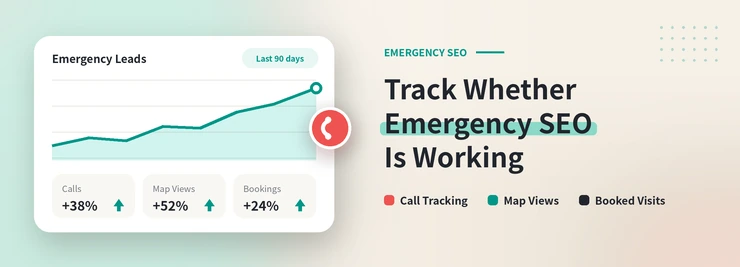
Rank reports help, but the real question is simple. Did the phone ring? Did the patient book? A basic setup answers both.
- Use a separate phone number on your business profile and another on your website. Keep your main number as the secondary number on your profile.
- Count your calls, and log what happened: booked, voicemail, wrong number, or not a fit.
- Watch your business profile actions, such as calls and direction requests, month over month.
- Compare emergency calls by day and hour. Use that to adjust your staff schedule and hours.
- Review a handful of recorded calls each month, where your policy allows.
Be careful when you change phone numbers on a profile. Keep the original number as an additional number so your citations stay consistent.
Tip: Add “How did you hear about us?” to your new patient form. Include “Google Maps” as an option. It catches patients who found you on the map and called from there.
Want a second opinion on your setup? A dental SEO audit is a good place to start. It covers your site and your profile.
The Bottom Line
To rank for “emergency dentist near me,” be accurate, be available, and be easy to call. Get your profile right. Build one strong emergency page. Answer the phone. Measure your calls.
Want help? Our emergency dentist SEO team can build the plan with you.
Ready to Be the Practice They Call First?
Start with a free audit. We will show you where urgent patients go instead.
 10 years in dental SEO
I’m James Wilson, a dental SEO specialist with ten years of experience. I help dentists show up higher on Google, get found by patients in their area, and turn website visits into booked appointments. My work covers local SEO, keyword research, Google Business Profile optimization, and website content written for dental practices. I also share straightforward SEO tips that help dentists with everyday marketing problems, stand out from nearby competitors, and reach the patients who are searching for the care they offer.