
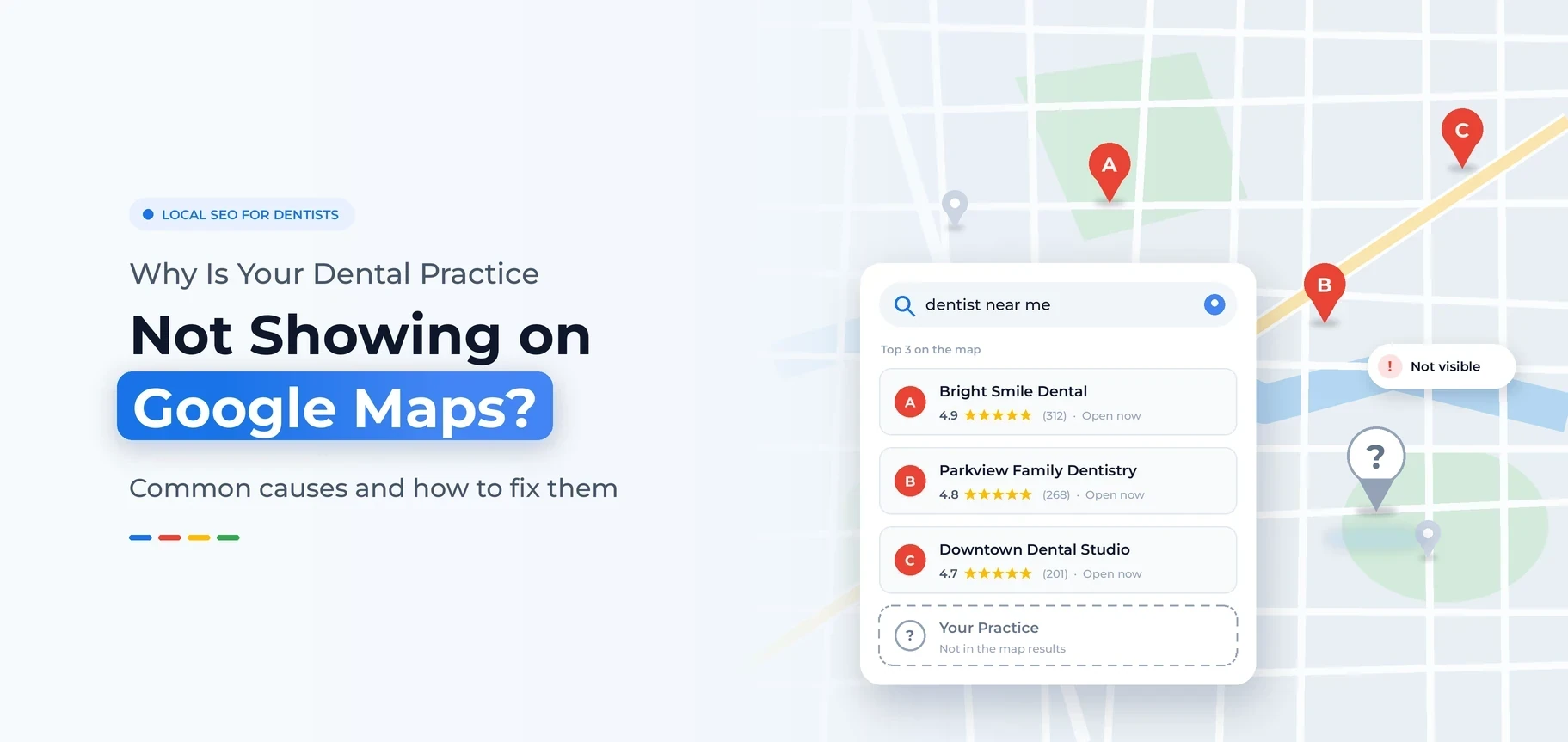
Short answer: Most dental practices that don’t show up on Google Maps have one of four problems. The Google Business Profile is not verified, or Google has suspended it. The primary category is wrong. The profile has gaps. Or nearby dentists have more reviews and more local trust than you do.
Run one test first. Search your exact practice name on Google Maps. If nothing comes up, the problem is your profile. If your name comes up but you vanish for “dentist near me”, you have a ranking problem.
Both are fixable. This guide shows you how to tell which one you have, the 12 most common causes we see in dental practices, and a step-by-step checklist to put your practice back on the map.
Key Takeaways
- Can’t find your practice by name? Check verification and suspension first.
- Find it by name but not for “dentist near me”? Fix your category, reviews, profile details, and local authority.
- Google ranks local results on relevance, distance, and prominence. Distance explains why you rank near your office but vanish across town.
- Extra keywords in your business name, duplicate listings, and mismatched addresses often get dental profiles suspended or filtered.
- Never create a new profile to “start over”. It almost always makes things worse.
Not Sure Why Your Practice Is Missing From the Map?
A free audit checks your profile, listings, and competitors. You get a clear list of what holds you back.
Start With a Quick Diagnosis
Don’t change anything yet. First, find out what kind of problem you have. Open Google Maps on your phone. Search your exact practice name. Then search “dentist near me” and “dentist” plus your city. Compare what you see with the table below.
| What you see | Likely cause | Where to start |
|---|---|---|
| You don’t show up even when you type your exact practice name. | Profile not created, not verified, or suspended. | Log in to your Google Business Profile and check its status. |
| You show up by name but not for “dentist near me”. | A ranking problem: category, reviews, distance, or competition. | Compare your category, profile details, and reviews with your competitors. |
| You show up near your office but not a few miles away. | Distance and prominence. | Build reviews, content, and local authority over time. |
| You showed up before, then suddenly vanished. | Suspension, an edit under review, a duplicate merge, or a recent change. | Check your email for notes from Google and review recent profile edits. |
| You show up at the wrong spot. | Address or map pin error. | Fix the address and pin in your profile. |
A note on testing: Google tailors local results to where you stand. If you search from your own office, your practice looks stronger than it is. Patients a few miles away see something different. Test from several spots, or use a local rank grid tool that checks your position at many points across your area.
How Google Decides Which Dentists Appear on the Map
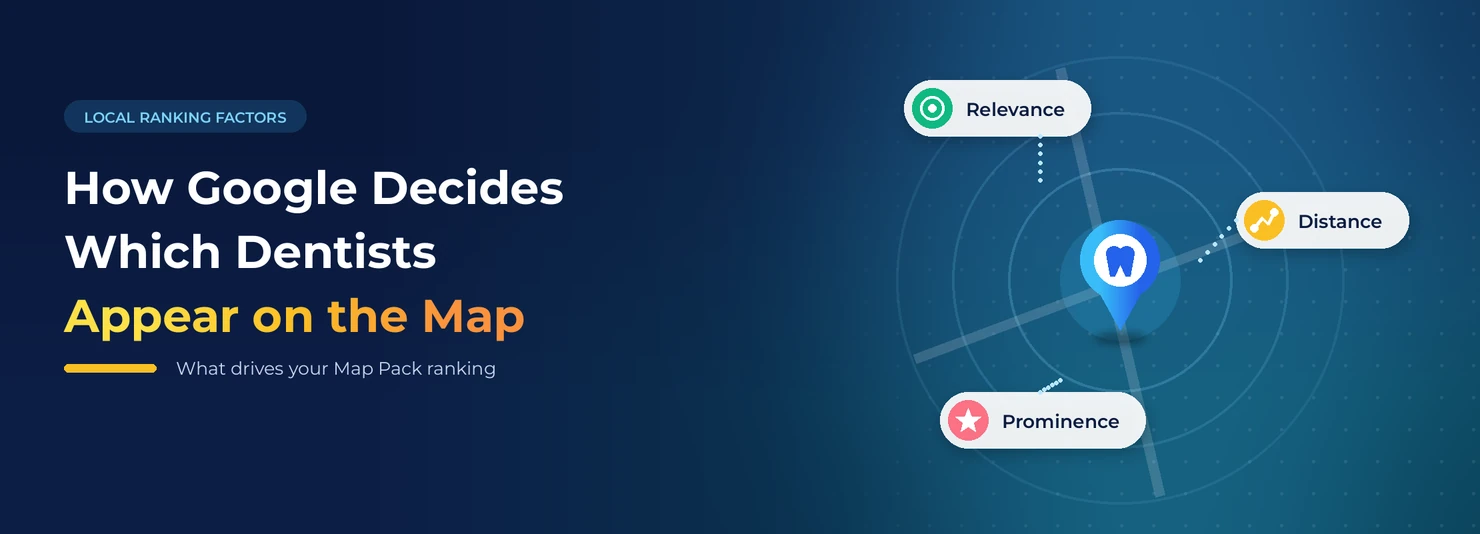
Google says local results rely on three main factors:
- Relevance: How well your profile matches the search. Your categories, services, and description all count here.
- Distance: How far your practice sits from the person who searches, or from the place named in the search.
- Prominence: How well known and trusted your practice is. Reviews, links, articles, and your overall online presence feed this score.
You can’t move your office closer to every patient. You can, though, improve your relevance and prominence. Most fixes below do exactly that.
12 Common Reasons Your Practice Isn’t Showing on Google Maps
1. Your Google Business Profile isn’t verified
An unverified profile usually won’t appear in Google Maps results. Many practices start the process and never finish it. In other cases, a past agency verified the profile under an account you no longer control. Google offers several verification methods, depending on your business.
How to fix it: Log in to your profile and finish verification. Then make sure the practice owner holds primary ownership, not a former agency or staff member.
2. Google suspended your profile
Suspension is one of the top reasons a dental practice disappears overnight. These are the usual triggers:
- Adding extra keywords to the business name, like “Smith Family Dental | Best Dentist Downtown”
- Use of a virtual office or PO box
- More than one profile for the same location
- Several big edits at once
Google’s guidelines for representing your business spell out what is allowed.
How to fix it: Fix the cause first. Then follow Google’s steps to fix a suspended profile. Don’t create a new profile to replace it. That usually creates more trouble.
3. The searcher is too far from your office
Distance matters. A practice can rank in the top three on Google Maps within a mile of the office and not show up at all five miles out. That’s not a glitch. It’s how local search works.
How to fix it: Test from different spots. Then build prominence with reviews, content, and local links so your reach grows past your office. Our article on how long local SEO takes for dentists explains the timeline.
4. Your primary category is wrong
Your primary category is one of the strongest signals on your profile. It tells Google what you do. A general practice listed as “Dental clinic” instead of “Dentist” can lose ground on the searches that matter most. So can a specialist who picks a general category.
How to fix it: Pick the primary category that best matches your main service, such as ‘Dentist’, ‘Orthodontist’, or ‘Paediatric Dentist’. Add secondary categories only for services you truly offer, like cosmetic dentistry or emergency dental service.
5. Your profile has gaps
Gaps in services, old hours, few photos, and a blank description all weaken your profile. Hours matter more than most practices think. If Google shows you as closed when someone searches “dentist open now,” you’re less likely to appear.
How to fix it: Fill in every section: services, regular and holiday hours, a description, an appointment link, and real photos of your office and team. Our Google Business Profile optimization service covers each step.
6. Duplicate listings split your signals
Old listings from a past address, listings built from directory data, or a second profile made by mistake can split your reviews and confuse Google. Individual dentists can also have their own practitioner listings. Google allows these in some cases, but they can compete with your main practice listing if no one manages them.
How to fix it: Search Google Maps for your practice name, phone number, and old addresses. Ask Google to remove or merge true duplicates. Make sure every listing that stays is accurate.
7. Your practice details don’t match across the web
Google checks your name, address, and phone number across your website and online directories. An old phone number on one site or an old address on another sends mixed signals about where you are.
How to fix it: Make your details identical on your website, Google, Apple Maps, Bing, Yelp, healthcare directories, and insurance provider listings.
8. Competitors have stronger reviews
Reviews drive prominence. If nearby practices have more reviews, better ratings, and newer reviews, they often outrank you, even when your profile is well built. As we explain in our guide to hiring a local SEO expert for dentists, a steady flow of fresh reviews beats a burst that fades.
How to fix it: Ask every happy patient for a review at checkout. Reply to reviews without sharing any patient health details. A simple review request system keeps this consistent.
Want Us to Find the Problem for You?
We check your profile, listings, reviews, and competitors. Then we show you exactly what to fix first.
9. Your website doesn’t back up your profile
Your website is one of the strongest signals behind your profile. A slow site, missing service pages, vague location details, or a profile that links to the wrong page all hold back your Maps visibility.
How to fix it: Link your profile to your homepage or the right location page. Put your address and phone number on the site. Build a page for each core treatment. Our local dental SEO work ties your website and profile together so each one supports the other.
10. You moved or made big changes
A new address, name, or phone number can trigger a Google review and sometimes re-verification. While that happens, your listing may drop out of results or show in the wrong place.
How to fix it: Change one thing at a time. Check that the map pin sits on your real entrance. Then update your details everywhere else online so they match.
11. Your address is hidden
Some practices set up their profile as a service-area business and hide the address. That setting is for businesses that travel to customers. A dental practice where patients come to the office should normally show its address. A hidden address can limit your Maps visibility.
How to fix it: Show your full office address on your profile, with your suite number if you have one.
12. Google is filtering your listing
When several similar businesses share one building, Google often shows only one or two of them for the same search. Dental practices in medical office buildings run into this a lot.
How to fix it: Use your exact suite number and pick accurate, specific categories. Build a stronger review profile than the other listings at your address. Never fake your location to get around the filter.
A Step-by-Step Checklist to Get Back on Google Maps
- Search your exact practice name on Google Maps from your phone.
- Log in to your Google Business Profile and check its verification and status.
- Read any emails from Google about suspensions or edits under review.
- Set the right primary category. Add only relevant secondary categories.
- Fill in every section: services, hours, holiday hours, description, appointment link, and photos.
- Look for duplicate listings. Ask Google to remove or merge true duplicates.
- Make your name, address, and phone number match on your website and major directories.
- Start a steady review request routine. Reply to every review.
- Link your profile to the right page on your website. Make sure that page mentions your name, your location, and your services.
- Track your visibility from several points around your area each month.
How Long Until You Show Up Again?
It depends on the cause. After Google approves your verification or restores a suspended profile, most practices reappear within days to a few weeks. Timing varies, and Google gives no guarantee. Ranking problems take longer. To move up for “dentist near me”, you need reviews, content, and authority built over several months.
What About AI Search?
AI tools like Google AI Overviews, ChatGPT, and Perplexity often pull from your Google Business Profile and reviews when they recommend local dentists. If you’re missing from Google Maps, you’re usually missing from those answers too. Our article Are You Missing Patients From AI Search? explains the link. Our AI dental SEO service builds on the same base.
When to Get Professional Help
You can handle most of these fixes in-house. Get help if any of these apply:
- Google suspended your profile more than once.
- You found several duplicate listings.
- You run more than one location.
- You still can’t be found after you fix the basics.
A sudden drop after a website change may also need an SEO recovery review.
The Bottom Line
Start by finding out whether you have a profile problem or a ranking problem. Fix profile problems like verification and suspension first. Ranking problems need steady work on your categories, profile details, reviews, and website. Either way, patients find the practices that fix the base and stay consistent.
Ready to Get Your Practice Back on the Map?
A short call shows where your practice stands and what to fix first.
 10 years in dental SEO
I’m James Wilson, a dental SEO specialist with ten years of experience. I help dentists show up higher on Google, get found by patients in their area, and turn website visits into booked appointments. My work covers local SEO, keyword research, Google Business Profile optimization, and website content written for dental practices. I also share straightforward SEO tips that help dentists with everyday marketing problems, stand out from nearby competitors, and reach the patients who are searching for the care they offer.