
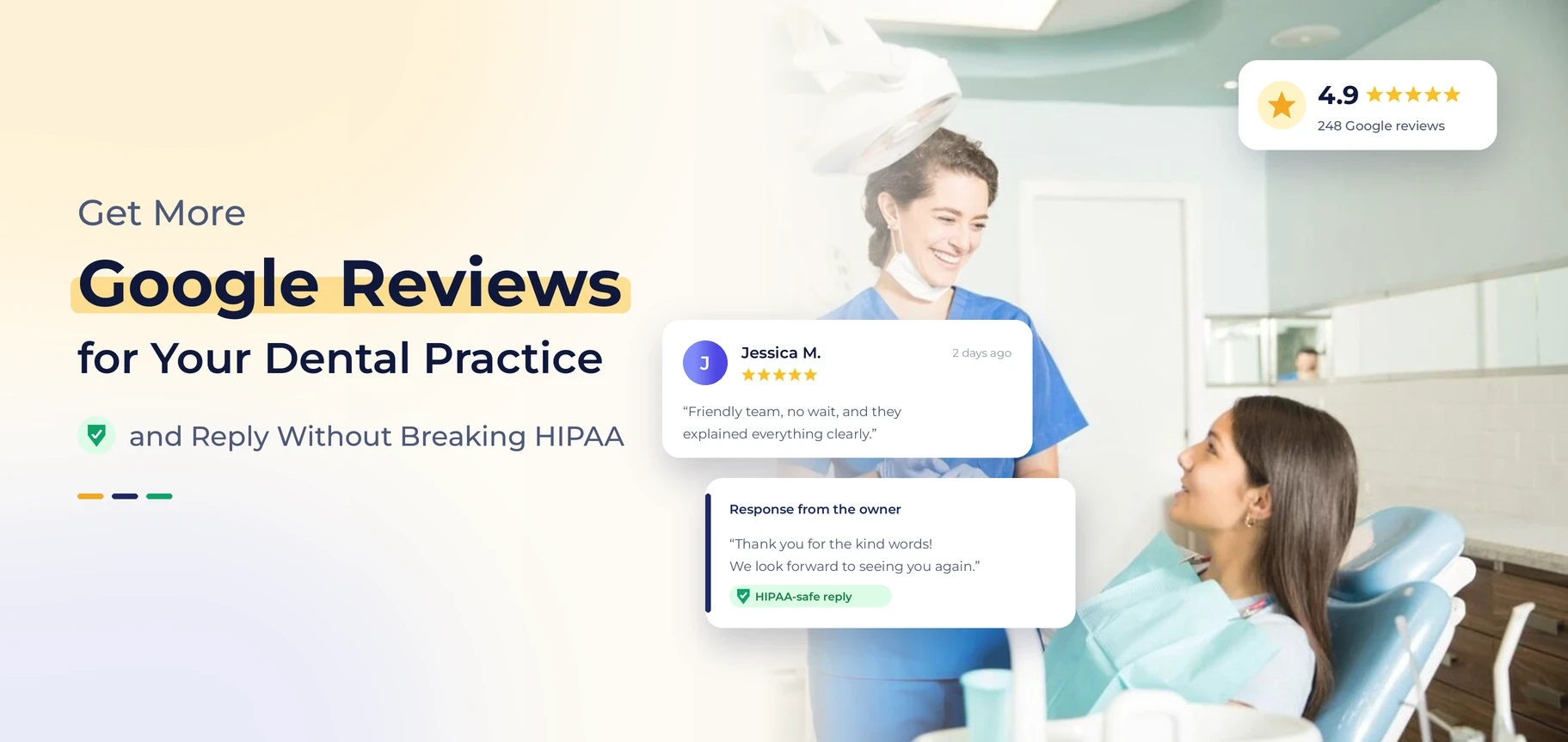
Short answer: To get more Google reviews for your dental practice, ask every patient at the right moment and send a link that opens the review box in one tap. Then reply to every review with a short, general note. Never confirm the person is a patient, and never mention their care. Do both on a weekly routine. Your review count grows, and you stay inside Google’s rules and HIPAA.
Most dental offices already do good work. They just have no system. Nobody asks for reviews, requests go out when someone remembers, and replies get typed in a rush between patients. This guide gives your front desk a simple routine. It is one part of a wider dental reputation management plan, and it answers the two questions owners ask us most: How do we get more reviews? How do we reply without breaking privacy rules?
In This Article
Key Takeaways
- Ask every patient, not just the ones who seem thrilled. Make the ask part of checkout or a same-day text.
- Send a direct review link. Fewer taps mean more finished reviews.
- Never offer gifts, discounts, or raffle entries for reviews. Never screen patients before you send the link.
- Reply to every review, but keep it general. Never confirm someone is a patient or mention their care.
- Move the detailed talk offline, and track your review count, star rating, and reply rate every month.
Not Sure Where Your Reviews Stand?
We will compare your profile, your star rating, and your review pace with nearby practices.
Why Google Reviews Matter for Dental Practices
When someone searches for a dentist, Google shows a map with a few practices. Each one has a star rating and a review count. Patients compare those two numbers first, before they read your website or look at your services.
Google says local results depend on relevance, distance, and prominence. Prominence means how well known your business is, and review count and review score both count towards it. Google explains this in its guide to local results. Reviews are not the only factor, but they are the ones you can improve every week.
What patients look for in your reviews
Patients rarely read every review. They scan for a few quick signs:
- A healthy star rating with enough reviews to feel trustworthy.
- Recent reviews, which show your office is active and the experience is current.
- Comments on what they worry about: pain, wait time, cost, and friendly staff.
- The owner replies that they sound calm and professional.
How reviews connect to the rest of your local presence
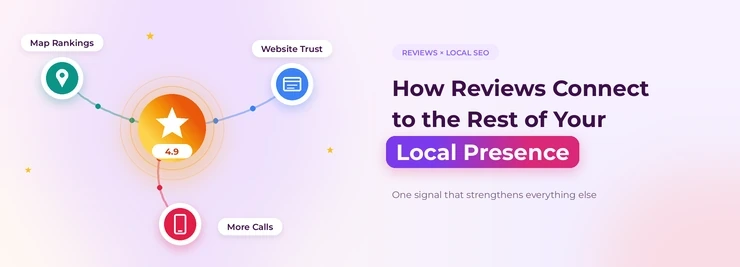
Reviews live inside your Google Business Profile, so they work best when the profile is complete and correct. If you have not checked yours lately, start with our Google Business Profile service page. Then see how it fits into local dental SEO. If your practice does not appear on the map at all, read why your dental practice may not appear on Google Maps first.
What Google’s Review Rules Allow and What They Do Not
Know the limits before you set up a review routine. Google bans fake reviews and reviews given in exchange for rewards. Check the current Google Business Profile guidelines, because the wording changes. These are the mistakes that trip up dental offices most.
| What you do | Safe or risky? | Why it matters |
|---|---|---|
| Ask every patient for an honest review. | Safe | Google lets businesses ask customers for reviews. |
| Send a direct link by text or email. | Safe | It makes the step easy and does not sway what the patient says. |
| Offer a gift card, discount, or raffle entry. | Risky | Google can treat reviews given for rewards as fake and remove them. |
| Send the link only to patients who say they are happy (review gating). | Risky | Screening out unhappy patients goes against Google’s rules on selective requests. |
| Staff or family post reviews | Risky | Reviews must come from real patients. |
| Hand patients an office tablet all day to leave reviews. | Use caution. | Many reviews from one place or one internet connection can look fake to Google. |
Industry sources report that reviews can vanish after a violation, and in serious cases Google can suspend your profile. If that happened to you, Google explains the steps in its guide to fix a suspended business profile.
How to Get More Google Reviews: A 7-Step System
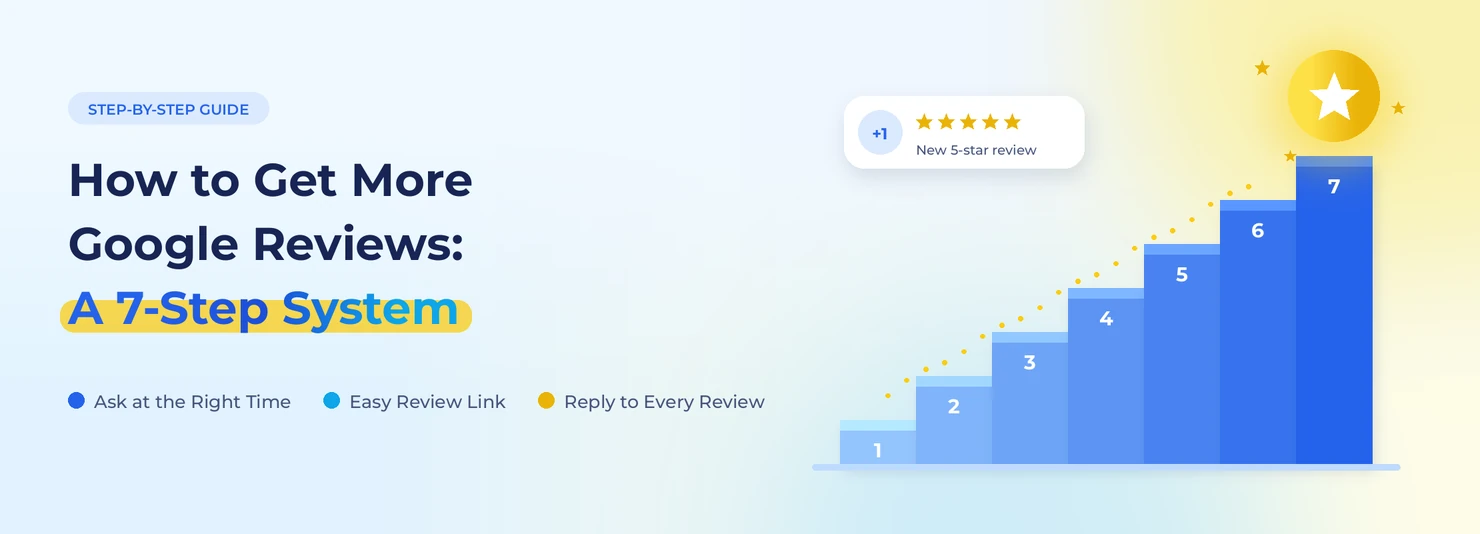
Practices that collect steady reviews do not trust memory. They build the case into the patient visit. Here is a routine a small team can run.
- Get your direct review link: Open your Google Business Profile, copy the link patients use to write a review, and test it on your own phone.
- Pick one owner: One person at the front desk owns review requests. When everyone owns it, nobody does it.
- Ask in person first: At checkout, say something short and natural. Tell the patient their feedback helps other people find a dentist they can trust.
- Follow up the same day: Send a text or email within a few hours. The visit is still fresh, so more people reply.
- Add a QR code to the office: Put it on the checkout counter or on a small card you hand out at the end of the visit.
- Send one reminder, not five: One gentle nudge a few days later is enough. More than that feels pushy.
- Check your numbers each month: Count how many requests went out and how many reviews came in.
What to say when you ask
Keep your words honest and general. Never ask for five stars, and never hint at the rating you want. These scripts work:
- In person: “We would really appreciate an honest Google review if you have a minute. It helps other families find us.”
- Text: “Thanks for coming in today. If you have a minute, you can share your experience here: [link]. We value honest feedback.”
Best moments to ask
| Moment | How to ask | Tip |
|---|---|---|
| Checkout | Short spoken ask plus a QR card | Works best when the patient is relaxed and smiling. |
| Same day after the visit | Text with a direct link | Send it within a few hours, in office hours. |
| After a treatment milestone | Email with a link | Good aftercare is complete, and the result is clear. |
| After a patient says thank you | Ask them to share it on Google. | An easy win when someone praises your team in person. |
Keep your text messages compliant.
Follow your usual patient communication rules when you send review requests by text. Use the patient’s preferred contact method. Leave out all treatment details. Ask your compliance advisor about consent for text messages. This is general information, not legal advice.
Want a Review Process That Runs Itself?
We can help you set up a simple routine your front desk can follow every week.
How to Reply to Google Reviews Without Breaking HIPAA
This is where many offices get nervous, and for good reason. HHS guidance is clear: social media is not the place to talk about a patient’s care. Even if a reviewer shares details in public, your reply can still cause a privacy problem if it confirms or adds to those details. Rules and enforcement can change, so check current guidance from the HHS Office for Civil Rights. Then ask your compliance advisor or attorney to approve your reply templates.
The safe reply rules
- Do not confirm the reviewer is a patient.
- Do not mention treatments, appointments, dates, costs, or results.
- Do not add details, even to fix a mistake.
- Keep it short, polite, and general.
- Invite the person to call or email your office.
Examples you can adapt
| Situation | Risky reply | Safer reply |
|---|---|---|
| Positive review | “Thanks, Sarah! We loved doing your crown today.” | “Thank you for the kind words. We appreciate you taking the time to share your feedback.” |
| Negative review about a long wait | “We are sorry you waited 40 minutes for your cleaning.” | “We are sorry to hear this. We take feedback seriously. Please call our office manager so we can learn more.” |
| Review disputes of a bill | “Your insurance did not cover the procedure, so the balance was due.” | “We would like to look into your concerns. Please contact our office so we can talk in private.” |
Each safer reply could go to any reviewer. That is the point.
Tip: If a reply only makes sense for one patient, it says too much.
How to Handle Negative and Unfair Reviews
A bad review does not have to hurt you. Many patients see a calm, thoughtful reply as a good sign. Reply fast, stay calm, and move the talk offline.
- Pause before you reply: Never answer when you are upset.
- Check your records in private: Learn what happened, but do not share it in public.
- Post a general reply: Say you are sorry their visit fell short, and give a direct contact.
- Follow up by phone: Solve the issue where privacy is safe.
- Look for patterns: If several reviews mention wait times or bills, fix that process.
When a review may break Google’s rules
Some reviews are more than negative. They are fake, spam, or off-topic. You can flag those for removal through your Google Business Profile.
Tip: A harsh review from a real patient usually stays up, so reply to it instead of fighting it.
How to Track Whether Your Review Efforts Work
Tip: Do not guess. Check a few simple numbers once a month and write them down.
| Metric | Where to find it | What to watch |
|---|---|---|
| Total reviews | Business Profile | Steady monthly growth beats one big burst. |
| Average rating | Business Profile | Watch the trend, not one review. |
| Reply rate | Your review inbox | Reply to every review within a few days. |
| Requests sent vs. reviews received | Your own tracking sheet | Shows if your ask works. |
| Review themes | Read the last 20 reviews. | Shows what patients love and what to fix. |
If your numbers stall, a profile check often shows why. Our dental SEO audit covers your reviews, profile, and local visibility together. To learn how fast changes show up, read how long local SEO takes for dentists.
The Bottom Line
More reviews come from a routine you repeat: ask every patient, send a direct link, follow up once, and track the results. Safe replies come from one rule: say thank you, stay general, and move details offline. Build both habits and your profile becomes a steady source of trust. To see how this fits into a full plan, explore our dental reputation management service.
Ready to Grow Your Reviews the Right Way?
Get a free audit and see exactly what to fix first.
 10 years in dental SEO
I’m James Wilson, a dental SEO specialist with ten years of experience. I help dentists show up higher on Google, get found by patients in their area, and turn website visits into booked appointments. My work covers local SEO, keyword research, Google Business Profile optimization, and website content written for dental practices. I also share straightforward SEO tips that help dentists with everyday marketing problems, stand out from nearby competitors, and reach the patients who are searching for the care they offer.